

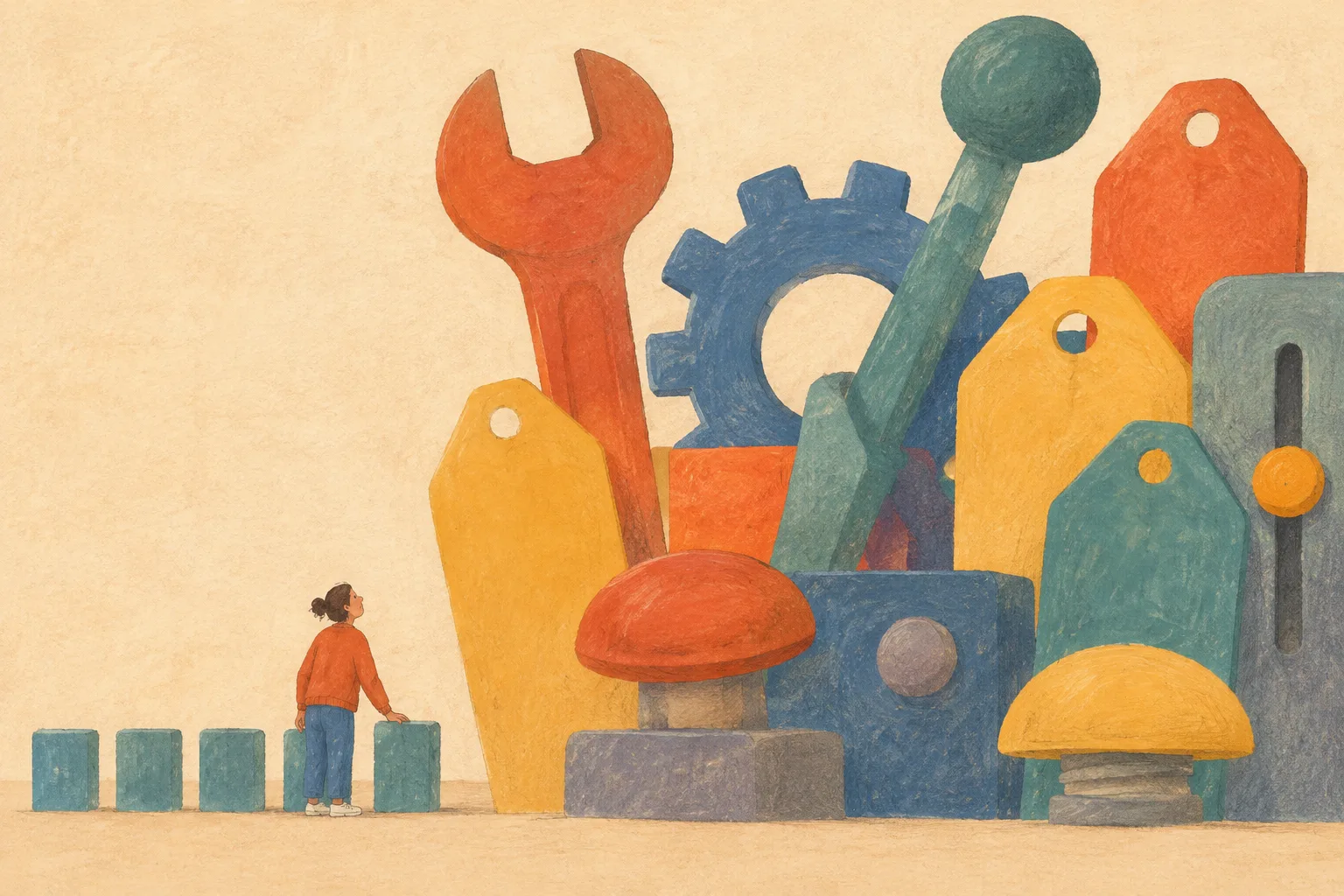
A customer relationship management system is supposed to solve a problem. For a small business, the problem usually shows up as a specific mess: quotes sent from a personal email account, a spreadsheet of leads that only one employee understands, a reminder to call a prospect scribbled on a sticky note that has since fallen behind a monitor. The software promises to organize all of that. The trouble is that the industry selling it has spent two decades building products for sales departments with dedicated administrators, and the pricing and complexity reflect that ancestry.
Small businesses buy CRM software the way people buy gym memberships in January: with genuine intent and a vague sense of what the equipment does. Six months later, half the seats are unused and the monthly fee feels like a subscription to guilt. The failure is rarely the software's fault. It is a mismatch in scale, and the mismatch is predictable enough to avoid.
The CRM market is priced for someone else
Enterprise CRM platforms are extraordinary machines. They route leads through multi-stage pipelines, trigger automated sequences, sync with call centers, and produce dashboards that executives can stare at during quarterly reviews. They also charge per seat, per month, and the per-seat number climbs as features are added. A five-person operation that signs up for a mid-tier plan can easily spend several thousand dollars a year on software it uses at perhaps ten percent of its capacity.
The waste is not just financial. Every unused feature is a decision someone has to make during setup. Should the sales stages be customized? Which fields are required? What counts as a qualified lead? Each question is reasonable in isolation, and together they can consume a week that a small business does not have.
Start with the contact list, not the feature grid
The most useful first step is brutally simple: count the contacts. Not the total addressable market, not the dream list of prospects, but the actual number of people and companies the business currently interacts with in a way that matters. A freelance designer might have forty active clients and a hundred past ones. A small landscaping company might track three hundred properties and the homeowners attached to them. A boutique consultancy might have twenty-five active engagements and a pipeline of sixty leads.
That number determines the shape of the tool. A business with under a thousand contacts can run on something close to a smart address book. A business with several thousand needs real search, tagging, and filtering. The gap between those two needs is enormous, and the CRM industry tends to blur it.
Alongside the count, write down the three things the business actually does with a contact. Call them. Email them. Send them a quote. Invoice them. Schedule a visit. Most small businesses have a short list, and that list is the real specification. If a CRM cannot do those three things in fewer clicks than the current method, it will not get used, regardless of how many other things it can do.
The pipeline is usually simpler than the demo suggests
Sales pipeline configuration is where small businesses most often overbuild. A demo of a full CRM will show a seven-stage funnel with conditional logic and automated handoffs. It looks impressive. It also assumes a sales team with defined roles and a long enough cycle to justify the granularity.
A small business typically needs three or four stages at most: a lead, a conversation, a proposal, and a close. Some need only two: open and done. The discipline is to name the stages the business actually experiences, not the stages a textbook says exist. If the owner is the only person selling, the pipeline is a memory aid, and a memory aid with seven stages is a worse memory aid than one with four.
There is a related trap in automation. Modern CRMs love to offer email sequences, lead scoring, and task triggers. For a business with a handful of leads per week, these features introduce failure modes: a sequence fires twice, a lead gets scored incorrectly, a task sits unassigned. Manual follow-up by a person who knows the customer is often faster and more accurate than a configured workflow, and it costs nothing extra.
Integration with the tools already in use
The CRM will not live alone. It will sit next to an email inbox, an accounting package, a calendar, and probably a phone. The question is whether it connects to those things without requiring a consultant.
Email integration matters most. If sending an email from the CRM does not thread properly in the recipient's inbox, or if replies do not land back in the CRM record, the tool becomes a place people visit rather than a place they work. Calendar sync is second. A CRM that cannot show a meeting on the same screen as the contact is asking the user to hold two windows in their head.
Accounting integration is a quieter need. Small businesses often want to see whether a client has paid an invoice without opening a second application. Not every CRM does this well, and the ones that do tend to be either very cheap or very expensive. The middle of the market is patchy here, which is worth checking before committing.
Pricing structures hide the real annual cost
Per-seat pricing is the standard, and it punishes exactly the kind of business that benefits most from a shared customer record. A company with eight employees that wants everyone to be able to look up a client will pay for eight seats. Many of those employees will log in twice a month. The math still holds, but it is worth doing explicitly rather than discovering it on the first invoice.
Watch for the features that sit behind a higher tier. Contact management is usually cheap. Reporting, email templates, and automation often require an upgrade. A plan that looks affordable at the entry level can double in price once the business needs a report that shows which leads converted last quarter. The honest approach is to list the two or three features the business cannot live without and price the plan that includes them, ignoring the entry-level number entirely.
Contracts deserve a hard look. Annual commitments with automatic renewal are common. A small business that picks wrong should be able to leave within a month or two, not wait out a year. Month-to-month pricing costs more per seat and is usually worth it during the first year, when the fit is still being tested.
What a trial period should actually test
Free trials are standard and mostly useless as designed. Signing up, clicking around, and admiring the interface tests nothing. The trial has to be run against real work.
Pick five real contacts and move them through the actual process the business uses: add the contact, log a call, send a quote, set a follow-up reminder, mark the deal closed. Time it. If the five-contact run takes more than fifteen minutes for a first-time user, the tool is too heavy. If it takes five, the tool is probably right.
Then test the thing that usually breaks: the mobile experience. Small business owners check email on a phone between appointments. A CRM that requires a desktop browser for basic lookups will be abandoned by the second week. Open the app, search for a contact by name, and log a note. If any of those steps feels slow or confusing, the desktop experience does not matter.
The spreadsheet is a legitimate competitor
For a business with fewer than roughly two hundred active contacts and a single person managing them, a well-built spreadsheet is genuinely sufficient. It is free, it is portable, it is understood by everyone, and it does not send a renewal notice. The case for a CRM at that scale rests on shared access and on the follow-up reminder, and both can be approximated with a shared drive and a calendar.
The spreadsheet stops working when more than one person needs to update the same record at the same time, when the history of interactions matters more than the current status, or when the business cannot answer a simple question like "how many quotes did we send last month" without an hour of sorting. Those are the signals to move. Before them, the spreadsheet is not a compromise. It is the correct tool.
A realistic shortlist for a five-person company
The market has a few honest options at the small end. Dedicated small-business CRMs tend to price per user at a level that a five-person company can absorb, and they ship with a simpler interface than the enterprise platforms. They usually lack deep customization, which is a feature at this scale rather than a limitation.
The major productivity suites now include a lightweight contact and pipeline tool in their business tiers. For a company already paying for email and documents through one of those suites, the marginal cost is close to zero, and the integration with existing calendars and inboxes is the best available. The trade-off is that these tools are shallow: reporting is basic, automation is limited, and the data lives inside an ecosystem that is hard to leave. For a small business that mostly needs a shared address book with a pipeline view, that trade is reasonable.
The third option is a specialized tool for the industry. A landscaping company, a law practice, and a photography studio have different workflows, and vertical software built for one of them will often fit better than a general-purpose CRM. The risk is lock-in and a smaller vendor, so the trial period matters more here.
The decision that matters is the one about scope
After the trials, the shortlist, and the pricing math, the real decision is not which product wins. It is how much of the business the CRM is allowed to touch. A tool scoped to contacts, a simple pipeline, and follow-up reminders will be adopted and used. A tool scoped to the entire customer lifecycle, with marketing automation and service tickets and reporting, will be configured for a month and then quietly abandoned by the third week.
The right CRM for a small business is the smallest one that handles the three things the business actually does with a contact, connects to the inbox, and costs less per year than the hours it saves. Everything beyond that is inventory. A business that buys the smallest sufficient tool can always upgrade later, once the contacts outgrow it and the workflow is clear enough to justify more. A business that buys the biggest tool it can afford spends the first year paying for features and the second year apologizing for them.