

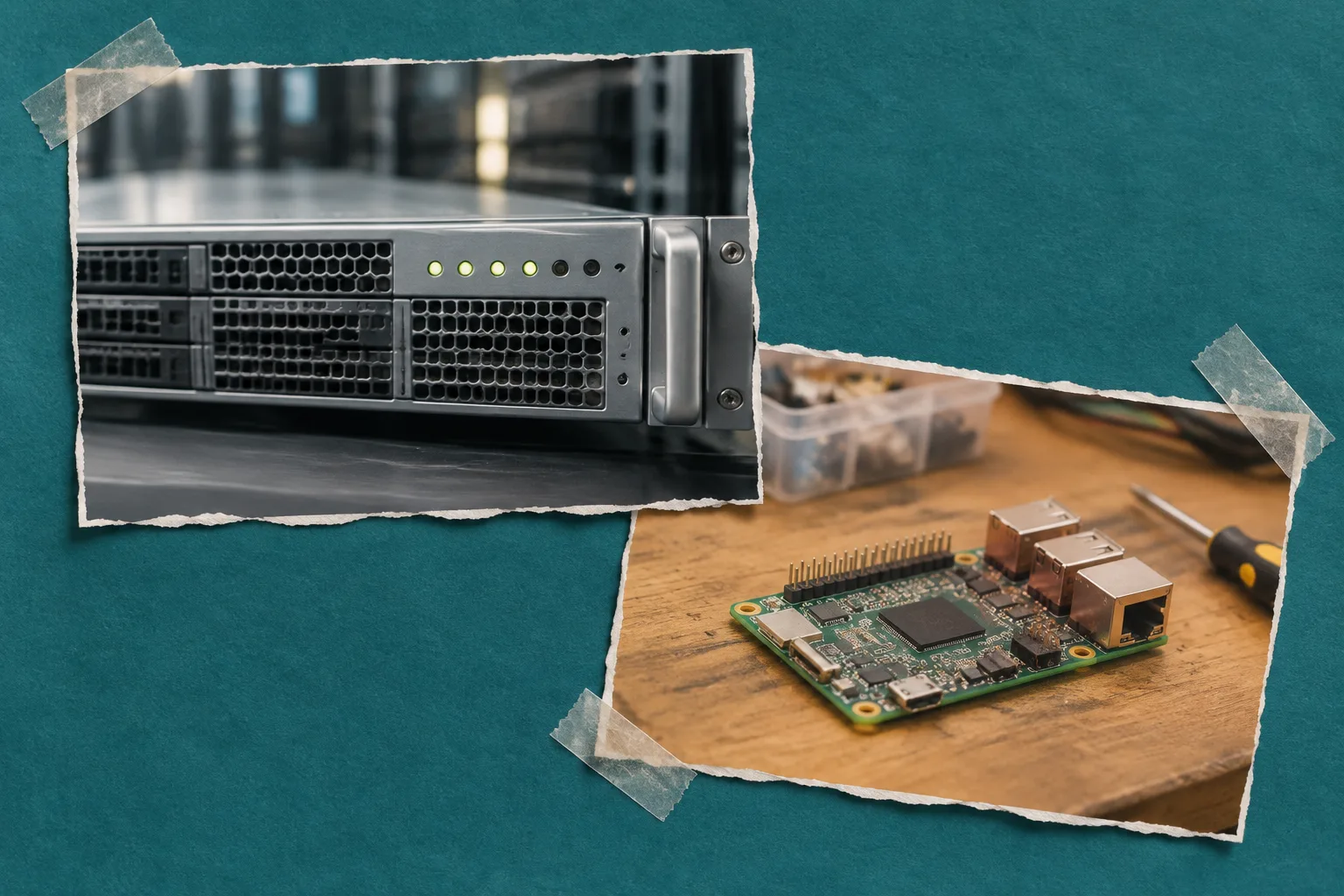
A growing application does not fail because the server was too small on day one. It fails in the gap between what the architecture was built to handle and what the traffic actually became. The VPS versus dedicated server question sits right in that gap, and it gets answered badly more often than almost any other hosting decision.
Both options are real, both are rented metal or a slice of it, and both can run a production app. The difference is in what the machine guarantees when things go wrong, and how much of the underlying hardware a team is allowed to see and control.
What a VPS actually is, and where the lines blur
A virtual private server is a partition of a physical machine. A hypervisor carves one box into several guests, each with its own operating system, its own share of RAM, its own slice of CPU time and disk. From inside, it behaves like a small independent computer. From outside, it is one tenant among many on hardware someone else owns.
The blurring matters. Many providers now sell "VPS" plans backed by dedicated CPU cores, NVMe storage, and generous RAM, and a well-provisioned instance at $40 to $80 a month can comfortably run a moderate web application handling tens of thousands of requests a day. The word VPS has stretched to cover a wide band of products, from a $5 sandbox to a near-dedicated slice of a modern EPYC box.
That stretching is exactly why the comparison goes wrong. A team compares a budget VPS to a mid-range dedicated server, sees the dedicated option win on every spec sheet, and concludes they need to migrate. The comparison was never fair.
The noisy neighbor problem is real but overstated
The classic argument against VPS hosting is resource contention. Another tenant on the same physical host starts hammering the disk, or runs a CPU-bound job, and suddenly the app's response times wobble. This happens. It is also less common than the horror stories suggest, because modern hypervisors enforce CPU and memory limits reasonably well, and storage is often the real bottleneck rather than compute.
The honest version: a cheap VPS from an oversold provider will produce latency spikes a team cannot explain and cannot fix, because the cause lives outside the guest. A premium VPS from a provider that publishes its oversubscription ratios and uses local NVMe tends to behave predictably. The product category is not the problem. The specific deal is.
This is the first real diagnostic question. If response times are inconsistent in ways that correlate with nothing in the application logs, the host is the suspect. If they correlate with traffic, the host is fine and the app needs more capacity.
Where dedicated hardware earns its price
A dedicated server is an entire physical machine, rented whole. No hypervisor between the operating system and the silicon, no other tenant sharing the bus, the disks, or the network card. The team gets root access to bare metal and full control over how resources are allocated.
That control shows up in specific places. A database that needs to pin memory and tune the kernel can do so without fighting a host's defaults. A workload that is sensitive to disk I/O, such as a write-heavy application or a search index, gets consistent throughput rather than a shared queue. A single-tenant machine also simplifies compliance conversations, because there is no ambiguity about who else touched the hardware.
Dedicated servers also age differently. A team can add RAM, swap a failing drive, or upgrade a network card without migrating to a new plan. The machine is a known quantity that can be maintained rather than replaced on a provider's schedule.
The price of that control is real. Entry-level dedicated servers start around $60 to $100 a month for older hardware, and a modern machine with fast storage and a current CPU runs several hundred. That is a floor, not a ceiling, and it is paid whether the app is busy or quiet.
The scaling curve that actually decides it
Most growing apps do not scale smoothly. Traffic arrives in bursts, launches spike, a marketing push lands, a cron job overlaps with peak hours. The relevant question is how each option behaves when the load exceeds the comfortable range.
A VPS degrades in a particular way. When CPU or memory runs out, the guest starts swapping, requests queue, and response times climb sharply. The fix is usually to resize the instance, which means a reboot and a short migration window. Scaling up is quick and cheap, but it happens in steps, and each step has a ceiling set by the provider's largest plan.
A dedicated server degrades differently. There is more headroom before the wall, and the wall is further away. But when a single machine runs out, it runs out completely, and the only paths forward are vertical (buy a bigger box) or horizontal (add more machines and a load balancer). Horizontal scaling on bare metal is more work than spinning up another cloud instance, because the team owns the provisioning, the networking, and the failover logic.
A useful rule of thumb: if the app's peak load fits comfortably inside a mid-tier VPS with room to double, the VPS is the simpler answer. If the peak load already touches the ceiling of the largest plan a provider offers, or if a single machine's failure would take the app down with no easy way to replace it, the dedicated route starts to make sense.
Cost is not the monthly invoice
The sticker price comparison is misleading in both directions. A $40 VPS looks cheaper than a $200 dedicated server until the hidden costs are counted: the engineering hours spent chasing unexplained latency, the migration when the plan runs out, the downtime during a resize, the premium paid for managed services to compensate for a shared host's limitations.
On the other side, a dedicated server carries costs that never appear on the invoice: patching the OS, monitoring the hardware, handling a failed disk at 2 a.m., arranging backups, and the fact that a single machine is a single point of failure unless a second one exists. A team without operations experience will find that a dedicated box quietly becomes a second job.
Managed dedicated hosting closes some of that gap by taking the hardware layer off the team's plate, but it also raises the monthly figure. The comparison only becomes honest when both columns include labor.
When a growing app should stay on a VPS
Stay on a VPS when the team is small, when the app's traffic is predictable enough to size against, and when the operational burden of owning a machine would distract from building the product. A well-chosen instance on a provider with transparent resource allocation, local NVMe storage, and a clear upgrade path covers a surprising amount of ground.
Stay on a VPS, too, when the workload is spiky but not sustained. Paying for a dedicated box that idles most of the month is a poor trade for a team whose traffic arrives in short windows. The elasticity of resizing an instance up for a launch and back down afterward is worth more than raw headroom.
And stay on a VPS when the app is still being figured out. Architecture decisions made under traffic pressure tend to be wrong. A VPS buys time to learn what the workload actually looks like before committing to hardware.
When the move to dedicated pays for itself
The move is justified when the app has outgrown the largest sensible VPS plan, when latency is consistently unpredictable in ways the team cannot diagnose, or when a workload genuinely needs kernel-level tuning or direct disk control. Database-heavy applications, media processing, and anything that pins CPU for long stretches are the usual candidates.
It is also justified when compliance or data residency rules require single-tenancy. Some regulated workloads simply cannot share a physical host, and that constraint settles the question before performance enters the conversation.
The move rarely pays when it is driven by a spec-sheet comparison alone. A team that migrates because the dedicated box has more cores, without a measured bottleneck to justify it, usually ends up paying more for the same result plus a new set of operational chores.
The hybrid most teams end up running
The clean binary is mostly a fiction. Plenty of growing applications run a dedicated database server alongside application servers on VPS instances, or keep the primary workload on a VPS and push batch processing to a dedicated box that runs hot for a few hours a day. The decision does not have to be made once for the whole stack.
Splitting by workload is often the correct move. The components that need consistent disk throughput and kernel control go on dedicated hardware. The components that need elasticity and cheap resizing stay virtualized. Each layer gets the guarantee it actually requires, and the team stops paying for headroom it does not use.
That split also softens the migration risk. Moving one workload at a time onto dedicated hardware lets a team measure the difference before committing the rest of the stack. The first dedicated box pays for itself in the form of a clear answer about whether the second one is needed.
A single number that settles most of these arguments
Take the app's peak sustained load over a representative week and compare it to the largest VPS plan the current provider offers. If peak usage sits below roughly half of that plan's capacity, the VPS is doing its job and the dedicated conversation is premature. If peak usage has crossed that line, or if the provider has no larger plan to move to, the dedicated route is the honest next step.
This is not a precise instrument. It is a way to stop arguing from spec sheets and start arguing from measured behavior. The number is the app's, not the host's, and it changes as the app grows. Rechecking it every quarter is a cheaper habit than a migration made on a hunch.