

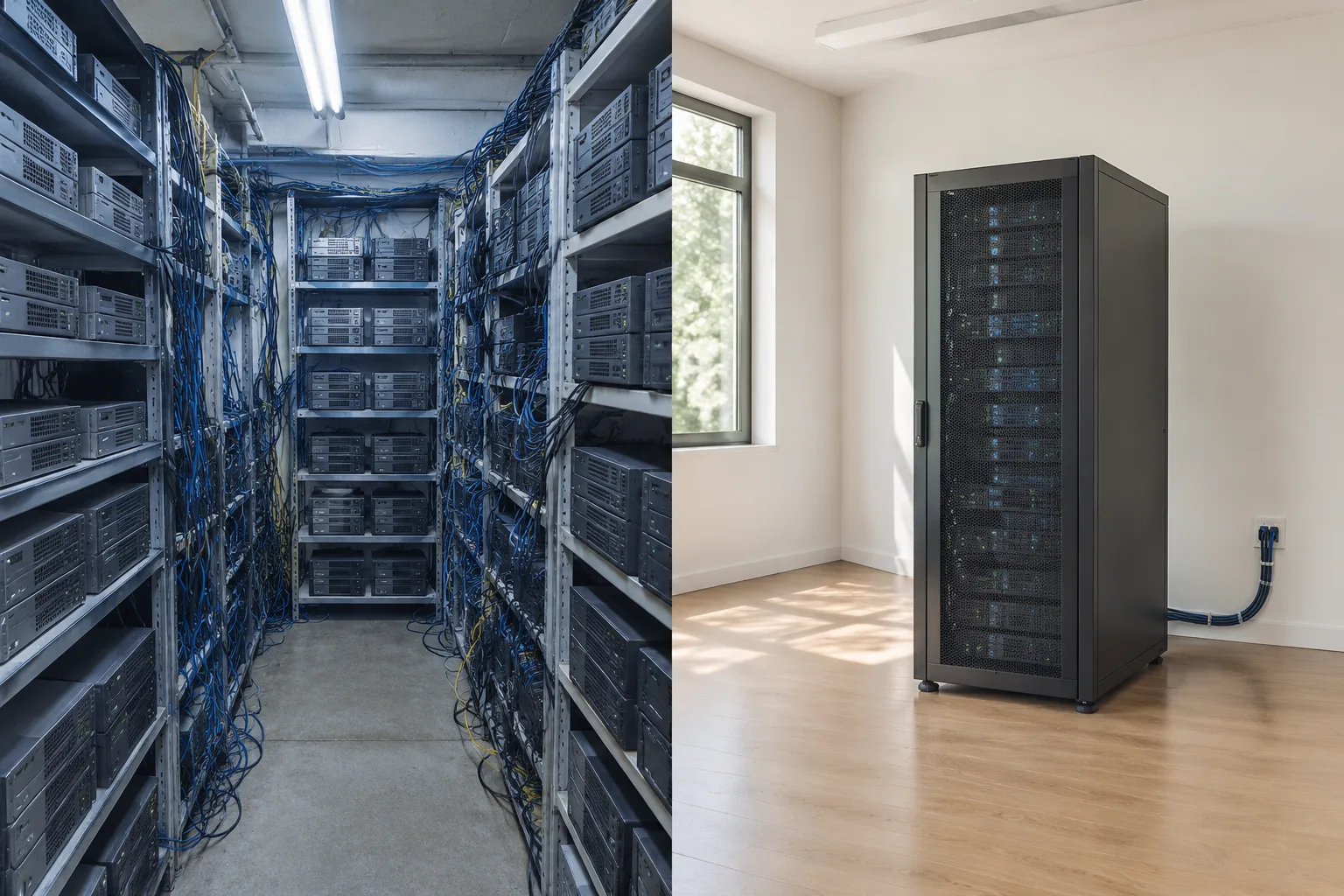
Somewhere around the third month of a site's life, a quiet thing happens: the traffic graph stops being flat. A post that was supposed to be filler picks up a link from a forum. Product pages start ranking. The site that felt like a side project starts acting like a business, and the hosting plan bought on a whim for eight dollars a month begins to feel like a pair of shoes that no longer fit.
The question of when to move from shared hosting to a VPS has a reputation for being complicated. It gets buried under spec sheets, benchmark charts, and people on forums arguing about I/O wait. The actual decision is simpler than the discourse suggests, and it hinges on a distinction most hosting comparisons flatten: shared hosting is a lease on a slice of a machine, while a VPS is a lease on a machine itself, with all the responsibility that ownership implies.
What Shared Hosting Actually Sells
A shared plan puts a few hundred websites on one physical server. The host manages the operating system, the web server, the database, the security patches, and the backups. The customer gets a control panel, a file manager, a one-click installer, and a phone number to call when the site goes down. This is a genuine bargain for a site with modest needs, and it deserves more respect than the hosting industry gives it.
The catch lives in the word "few hundred." Resources are pooled and then rationed. CPU time, memory, and disk input/output are shared among neighbors, and the host enforces limits through mechanisms with names like entry processes, inode caps, and CPU throttling. When a neighboring site gets a traffic spike or runs a badly written plugin, the effects ripple outward. The site on the other side of the wall slows down for reasons its owner cannot see, diagnose, or fix.
Shared hosting also tends to restrict what software can run. Certain PHP extensions are unavailable, long-running background processes get killed, and websocket support is spotty. These constraints rarely matter for a brochure site. They start to matter when the site needs to do something specific.
The VPS Trade: A Dedicated Slice, No Safety Net
A virtual private server carves a portion of a physical machine into an isolated unit with its own operating system. The buyer gets root access, a guaranteed allocation of RAM and CPU, and the freedom to install whatever software the site requires. The isolation is real: a noisy neighbor on the same physical host has a much harder time affecting performance, because the hypervisor enforces the boundaries.
The trade is responsibility. Nobody patches the kernel at three in the morning. Nobody restores a backup after a botched update. Nobody notices that the disk is filling up with log files until the database refuses to write. A managed VPS plan exists for exactly this reason, and it costs roughly what a shared plan costs multiplied several times over, which is the price of outsourcing the sysadmin work.
An unmanaged VPS at ten or twenty dollars a month is one of the better deals in computing, provided the buyer can actually operate it. The number of sites that migrate to an unmanaged VPS, misconfigure the firewall, and go offline for a weekend is not small.
The Symptoms That Signal a Real Ceiling
Growth alone does not justify migration. Plenty of sites serve tens of thousands of monthly visitors from shared plans without incident, because their pages are cached and their databases are small. The signal to watch is not the traffic counter but the pattern of failures.
Consider a site that loads quickly in the morning and crawls by evening. The cause is usually CPU throttling triggered by concurrent visitors. The host suspends the account's processes for a stretch, the page hangs, and the visitor leaves. The site owner sees a slow site and assumes the host is oversold, which is half true, but the deeper issue is that the plan's CPU allocation was never sized for that load in the first place.
Another symptom: plugins that refuse to install because they need a PHP extension the host will not enable. Or scheduled tasks that fail because the host kills processes longer than thirty seconds. Or the database crashing under a moderate import. Each of these is a wall, and walls do not move when the plan is upgraded within the same tier.
There is also the support loop. A site owner opens a ticket about slow performance, the host replies that the account is exceeding its resource limits, the owner asks how to raise those limits, and the host offers a plan one tier up with marginally better numbers. After the third round of this, the calculation changes.
Where a VPS Stops Being Overkill
The clearest case for a VPS is a site that needs to run software the shared plan forbids. A storefront with a large product catalog and heavy database queries. A membership site with background jobs that process subscriptions. An application with persistent connections. A site running a caching layer like Redis or Varnish. These requirements are concrete, and they map directly onto the VPS's advantages.
The second case is a site whose traffic has become predictable and substantial enough that resource contention is a recurring operational problem. A site doing a hundred thousand pageviews a month on a well-configured VPS with a page cache can run comfortably on modest hardware. The same traffic on shared hosting will hit throttling during any burst, and bursts are exactly when traffic matters most.
The third case is less about traffic and more about control. A site owner who needs to tune the web server, adjust PHP settings, install a specific version of a runtime, or configure a custom cron schedule will find shared hosting's abstractions suffocating. The VPS returns that control, at the cost of the safety net.
The Migration Cost Nobody Budgets For
The monthly price difference between a shared plan and a VPS is the visible cost. The invisible cost is the migration itself and the ongoing maintenance. Moving a WordPress site involves exporting the database, transferring files, updating DNS records, and testing every plugin and permalink. Done carelessly, the move breaks image paths, contact forms, and email deliverability, and the traffic dip that follows can take weeks to recover.
Ongoing maintenance is the larger commitment. A VPS needs operating system updates, web server configuration, SSL certificate renewal, firewall rules, backup verification, and monitoring. Each of these is a small task that becomes urgent when neglected. A site owner who has never opened a terminal will spend the first month learning, and the learning curve is steepest precisely when the site is growing and least able to afford downtime.
Managed VPS plans absorb most of this work, and for many growing sites they are the right middle path. The host handles patching and monitoring, the buyer gets dedicated resources and root access when needed, and the price sits between shared and fully dedicated. The trade is less control over the software stack and a monthly bill that can approach the cost of a small dedicated server.
A Middle Route That Gets Overlooked
Before jumping to a VPS, it is worth checking whether the current shared host offers a higher tier with real resource guarantees. Some hosts sell plans with dedicated CPU cores and memory allocations on shared infrastructure, which resolves the throttling problem without requiring a migration. These plans are often priced close to entry-level VPS offerings, and they preserve the managed support that made the original plan attractive.
The other overlooked option is a specialized managed platform for the site's particular software. Managed WordPress hosts, managed WooCommerce hosts, and similar services run on infrastructure tuned for one stack, with caching, staging, and security handled by the provider. For a site running a common CMS, these platforms often deliver better performance per dollar than a general-purpose VPS, because the tuning is already done.
The general-purpose VPS remains the right answer for sites with unusual requirements or owners who want full control. It is a poor answer for sites that simply need more of what shared hosting already provides.
Matching the Decision to the Site's Next Year
The useful question is not which plan is faster or cheaper in the abstract. It is what the site will need to do over the next twelve months. A site planning to add a store, a membership area, or a custom application needs the flexibility a VPS provides, and migrating before those features launch avoids a painful move later. A site planning to publish more content and grow its audience can often stay on shared hosting with a better tier and a caching plugin.
There is a practical test worth running before any migration. Take the current site, enable full-page caching, compress images, and remove unused plugins. Measure the load time and the resource usage reported by the host. If the site is fast and stable after that cleanup, the bottleneck was configuration, and a VPS would inherit the same problems with a larger bill. If the site is still hitting limits, the ceiling is real.
A site that has outgrown shared hosting usually announces it in ways that are hard to miss: throttling emails, failed plugin installs, support tickets that end in upsell offers. The moment those arrive, the site is no longer a brochure. It is an operation, and operations need infrastructure sized for what they are becoming, whether that infrastructure is a managed VPS with a support line or a bare server with a root prompt and a backup plan.